



Location Manager 2 FS24
You are viewing the FULL version of Location Manager 2. A Lite version is available as well, please see the comparison table below for reference.
Unlock the skies with Location Manager 2 for MSFS 2024!
Effortlessly manage your favorite locations, teleport instantly, and master circuit takeoffs, approaches, and landings.
Your ultimate flight companion awaits to unlock a world of virtual exploration!
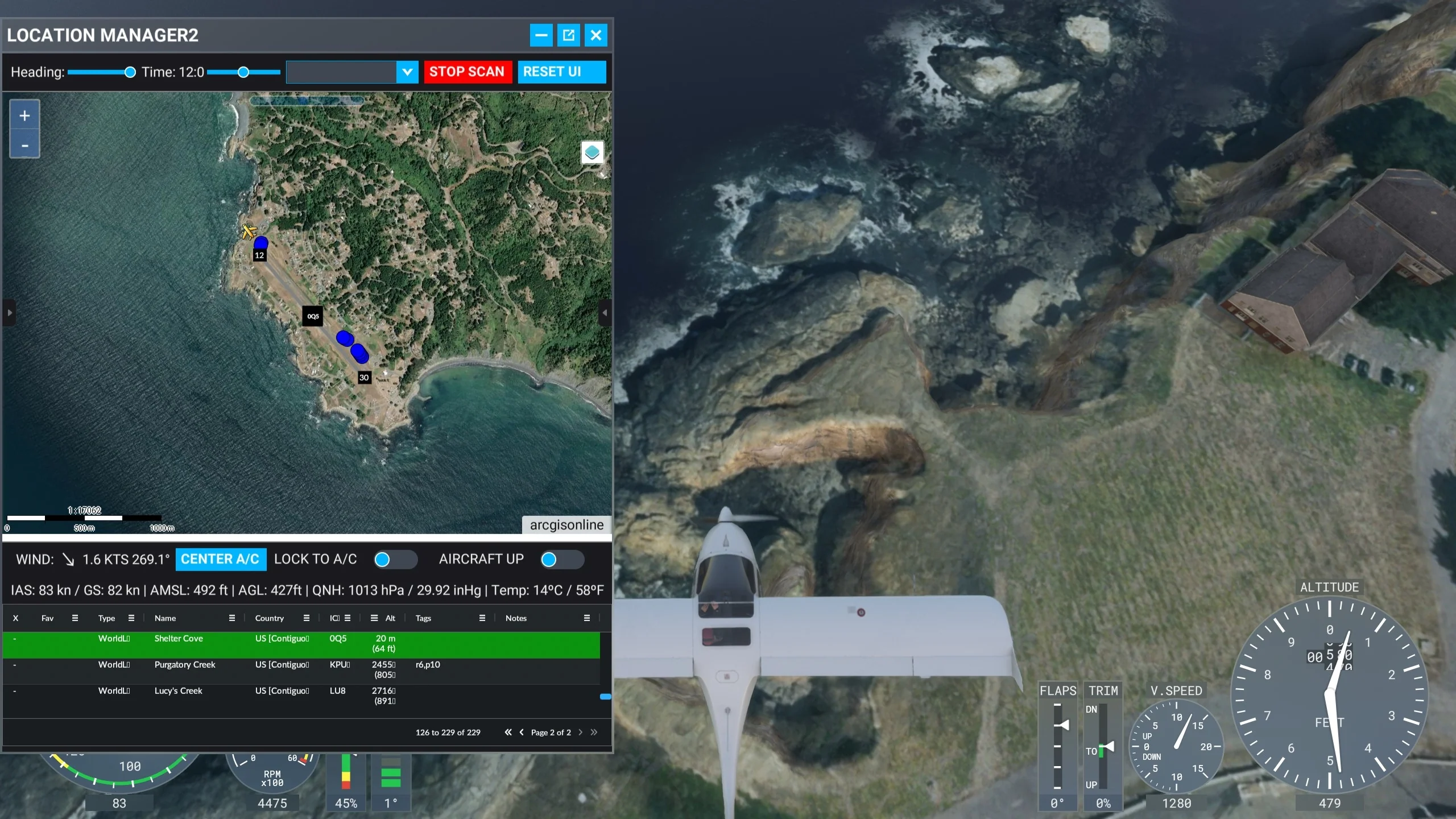
- Save locations of all types: MSFS airports, runways, gates, or custom locations. Click a saved location to instantly auto locate on the map. Quick delete them.
- Training Aid: Train for takeoffs and landings by setting specific positions, heights, and speeds for practice sessions. Visualize the chosen pattern & start position on the map.
- Teleport Anywhere: Teleport instantly anywhere within Microsoft Flight Simulator 2024. Great for practicing takeoffs, approaches, landings, exploration, & discovery.
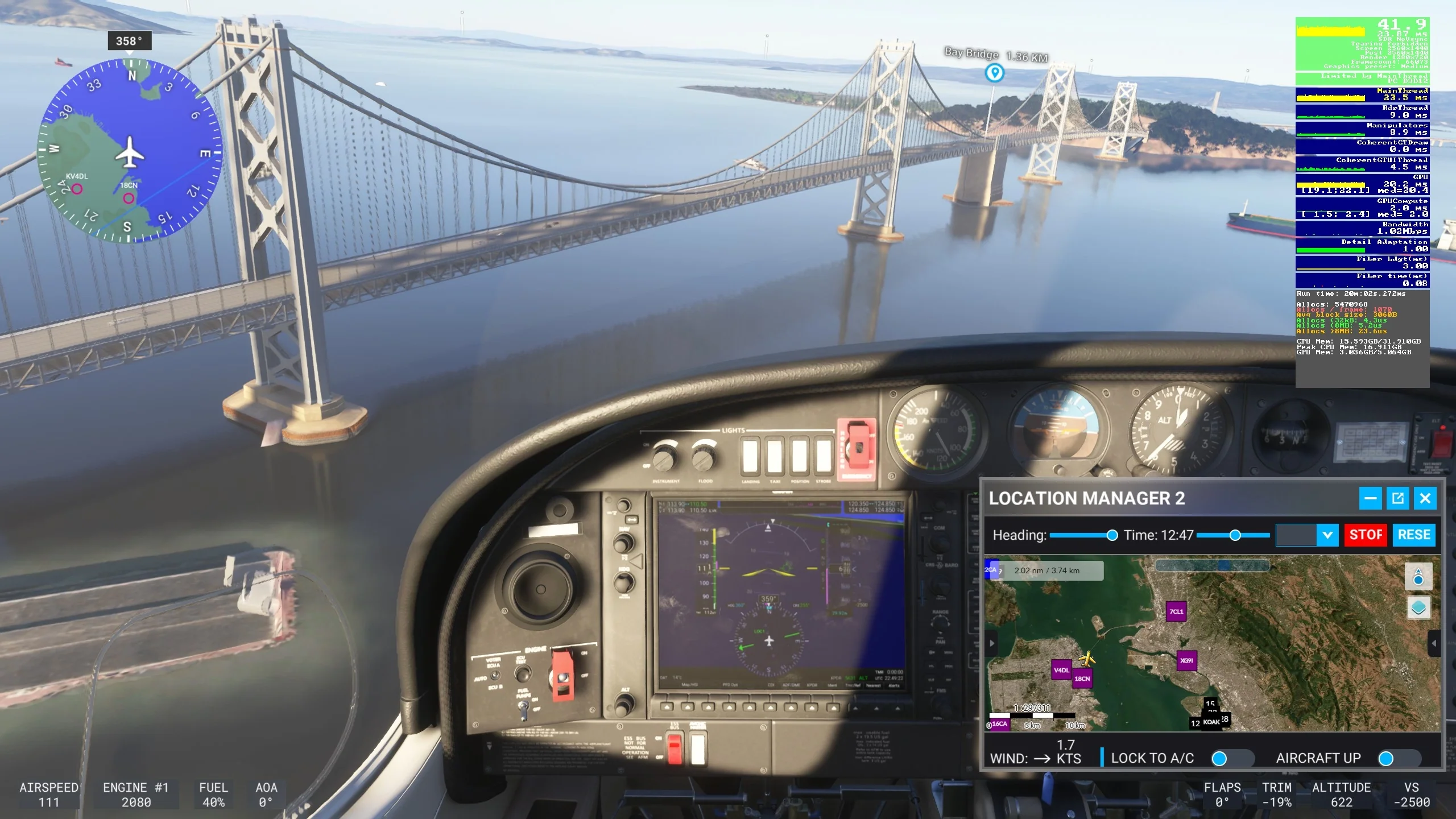
- Map Customization: Resize the integrated map and toolbar to your preference. Map includes a set of high-quality base layers of different styles from graphical to satellite.
- API Integration: Enter your OpenAIP and Bing Maps API keys to access additional map data, enhancing the overall functionality of the tool.
- Data Management: Export and import location data, making it easy to share favorite spots with friends or transfer data between different versions of the simulator.
- Favorites: Favorite saved locations. Fast filter/unfilter favorites.
- Tags saved locations with your own custom tag system.
- Notes: Save key information you’d like to remember about the location.
- Search, Sort, & Filter saved locations by multiple fields.
- Quick Reset: Button to reset all combinations of filters & sorting.
- VR: It works as a standard MSFS 2D toolbar app, with current VR limitations attached to that.
Product Information
Product Information
Shipping & Returns
Shipping & Returns
Description
You are viewing the FULL version of Location Manager 2. A Lite version is available as well, please see the comparison table below for reference.
Unlock the skies with Location Manager 2 for MSFS 2024!
Effortlessly manage your favorite locations, teleport instantly, and master circuit takeoffs, approaches, and landings.
Your ultimate flight companion awaits to unlock a world of virtual exploration!
- Save locations of all types: MSFS airports, runways, gates, or custom locations. Click a saved location to instantly auto locate on the map. Quick delete them.
- Training Aid: Train for takeoffs and landings by setting specific positions, heights, and speeds for practice sessions. Visualize the chosen pattern & start position on the map.
- Teleport Anywhere: Teleport instantly anywhere within Microsoft Flight Simulator 2024. Great for practicing takeoffs, approaches, landings, exploration, & discovery.
- Map Customization: Resize the integrated map and toolbar to your preference. Map includes a set of high-quality base layers of different styles from graphical to satellite.
- API Integration: Enter your OpenAIP and Bing Maps API keys to access additional map data, enhancing the overall functionality of the tool.
- Data Management: Export and import location data, making it easy to share favorite spots with friends or transfer data between different versions of the simulator.
- Favorites: Favorite saved locations. Fast filter/unfilter favorites.
- Tags saved locations with your own custom tag system.
- Notes: Save key information you’d like to remember about the location.
- Search, Sort, & Filter saved locations by multiple fields.
- Quick Reset: Button to reset all combinations of filters & sorting.
- VR: It works as a standard MSFS 2D toolbar app, with current VR limitations attached to that.